Brick Classic - Block Puzzle G1.4.8
Publisher Description
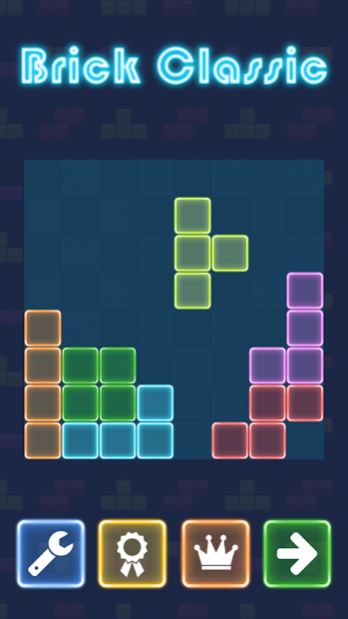
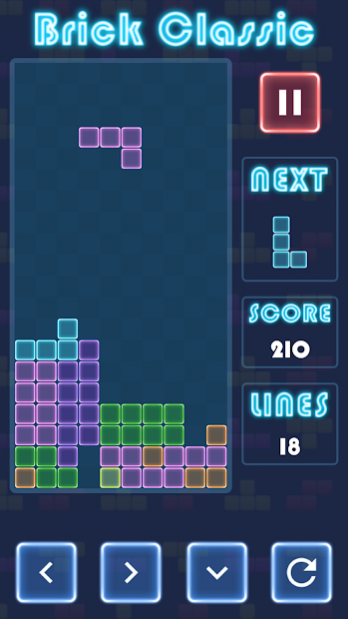
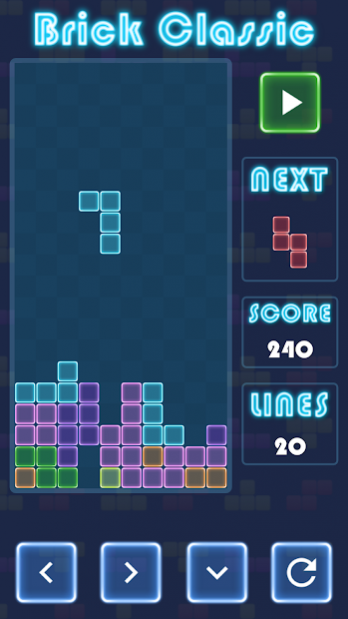
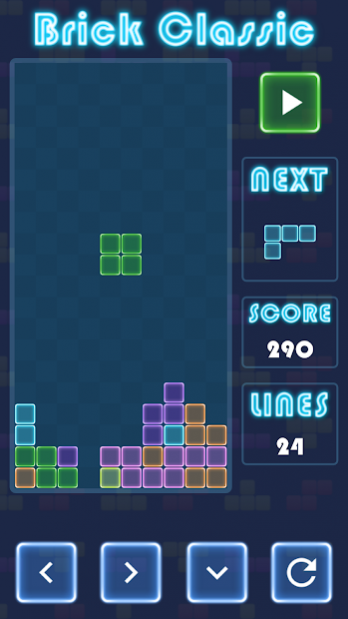
Do you like
brick classic games
? Have you ever played
block puzzle games
like this
brick classic game
?
Brick Classic
is the king of
block puzzle games
which will keep your brain and reflexes young.
Brick Classic
like the most of the
block puzzle games
has a very simple gameplay. Just navigate and place the falling blocks to the empty spaces to form a line which will break. It is possible to form and break more than one line :)
Brick Classic
provides Leaderboard (Social and Everyone) and Achievements from Google Play Games to share your results and compete with your friends who will become the master of
block puzzle games
.
Challenge yourself with one of the best
block puzzle games
! Just take part in the adventure of
bricks breaking
with this
brick classic game
now!
Download Brick Classic - Block Puzzle Game today and enjoy it!
About Brick Classic - Block Puzzle G
The company that develops Brick Classic - Block Puzzle G is MC Skins Party for Minecraft. The latest version released by its developer is 1.4.8.
To install Brick Classic - Block Puzzle G on your Android device, just click the green Continue To App button above to start the installation process. The app is listed on our website since 2020-07-01 and was downloaded 2 times. We have already checked if the download link is safe, however for your own protection we recommend that you scan the downloaded app with your antivirus. Your antivirus may detect the Brick Classic - Block Puzzle G as malware as malware if the download link to com.klimbo.brickclassicfallingblocks is broken.
How to install Brick Classic - Block Puzzle G on your Android device:
- Click on the Continue To App button on our website. This will redirect you to Google Play.
- Once the Brick Classic - Block Puzzle G is shown in the Google Play listing of your Android device, you can start its download and installation. Tap on the Install button located below the search bar and to the right of the app icon.
- A pop-up window with the permissions required by Brick Classic - Block Puzzle G will be shown. Click on Accept to continue the process.
- Brick Classic - Block Puzzle G will be downloaded onto your device, displaying a progress. Once the download completes, the installation will start and you'll get a notification after the installation is finished.
Program Details
System requirements
Download information
Pricing
Version History
version 1.4.8
posted on 2020-07-01
🚀 Bug fixes and performance optimizations
version 1.4.5
posted on 2019-09-04
🎉 Android 9
🚀 Bug fixes and performance optimizations
version 1.1
posted on 2016-09-17
- Rearrange control buttons option introduced,- Performance optimizations
